5 Ways to Leverage Dynamics 365 Finance for a Smoother Month-End Closing Process
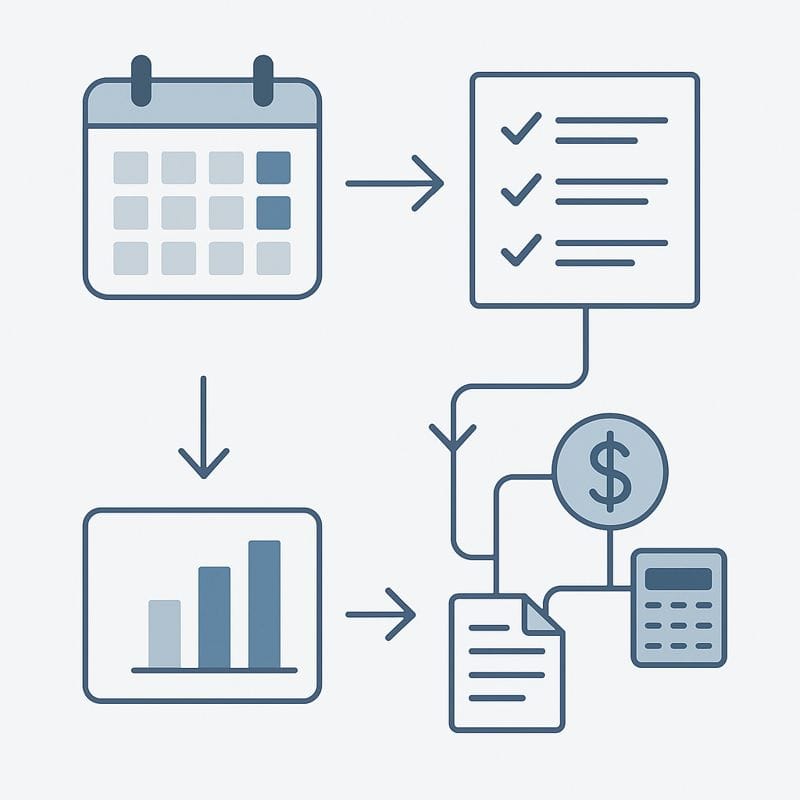
A fast, predictable month-end close is one of the strongest indicators of a mature Finance function.
Yet many organizations still struggle with sequencing, intercompany coordination, and late-period surprises — even with a robust ERP like Dynamics 365 Finance.
Here are five practical ways to use D365 Finance to run a faster, cleaner, more controlled closing cycle.
1. Use the Financial Period Close Workspace as Your Command Center
The Financial Period Close workspace should be the operational hub for all closing activities across legal entities.
How to use it effectively:
- Assign tasks by module, role, or entity
- Add dependencies to enforce the correct sequence
- Track progress through visual status indicators
- Centralize documentation, comments, and sign-offs
- Coordinate work across finance, operations, and shared services
This replaces scattered Excel checklists and ensures everyone knows what to do — and when.
Related FitGap reading:
- The Human Side of ERP Projects → https://www.fitgapfinance.com/human-side-erp-projects/
- ERP Best Practices: The Real-World Nuance in D365 Finance → https://www.fitgapfinance.com/erp-best-practices-nuance-d365-finance/
2. Enforce Module Sequencing Using Period Controls & Security Roles
A smooth month-end close requires strict sequencing and tight control over who can post transactions.
D365 Finance supports this through:
Period status: “On hold”
Stops the broader organization from posting new transactions while allowing the accounting team to finalize their entries.
Posting restrictions by user group
Only designated accounting roles retain posting rights during the closing window.
Consistent module closure sequence
AP → AR → Bank → Inventory → Fixed Assets → General Ledger
This predictable rhythm minimizes reconciliation issues.
Correct security roles
Incorrect permissions create blockages such as:
- stuck workflows
- blocked journals
- missing posting rights
Validating that teams have the correct security roles prevents unnecessary delays.
Related FitGap reading:
- D365 Finance License Optimization Tips → https://www.fitgapfinance.com/d365-finance-license-optimization-tips/
3. Use Period Management Tools to Handle Late Invoices & Automate Accrual Reversals
Post late vendor invoices to the next open period
When invoices arrive during the closing window, D365 Finance allows AP to process them normally while posting them into the next open period.
This protects the integrity of the closed month without blocking operations.
Automatic reversal for accrual journals
Accruals can be configured to automatically reverse in the next period.
This reduces manual work, avoids forgotten reversals, and keeps the GL cleaner.
Note:
Automatic reversal does not apply to journals tied to subledgers (AP, AR, FA, Inventory).
These require manual reversals or separate processes.
This combination — controlled cut-off + automated cleanup — makes the closing cycle more predictable.
4. Tighten Intercompany Coordination & Monitor Critical Dependencies
Intercompany mismatches and missed dependencies are two major sources of closing delays.
Coordinate intercompany module closures
Entities that exchange transactions should close AP, AR, and related modules in sync.
Pending or partially posted intercompany items should be reviewed early.
Related FitGap reading:
- Questions to Ask Before Implementing Intercompany in D365 Finance
→ https://www.fitgapfinance.com/questions-to-ask-before-implementing-intercompany-in-dynamics-365-finance/
Monitor mission-critical dependencies
Several automated imports or integrations must run correctly during month-end:
- exchange rate imports
- payroll or HR journals
- expense system imports
- inventory valuation or cost updates
Assign ownership and ensure these dependencies are monitored daily.
5. Implement Continuous Monitoring: Workflows, Unposted Journals & Variance Reports
High-performing Finance teams surface issues early — not at the end.
Daily workflow monitoring
Rejected or stalled approvals delay journal postings.
Clear workflow messages and proper notifications streamline the process.
Related FitGap reading:
- D365 Finance Workflow Best Practices → https://www.fitgapfinance.com/d365-finance-workflow-best-practices/
Monitor unposted journals
Recurring, automated, or partially completed journals can easily be missed.
Review them daily to avoid reconciliation gaps.
Use variance and reconciliation reports
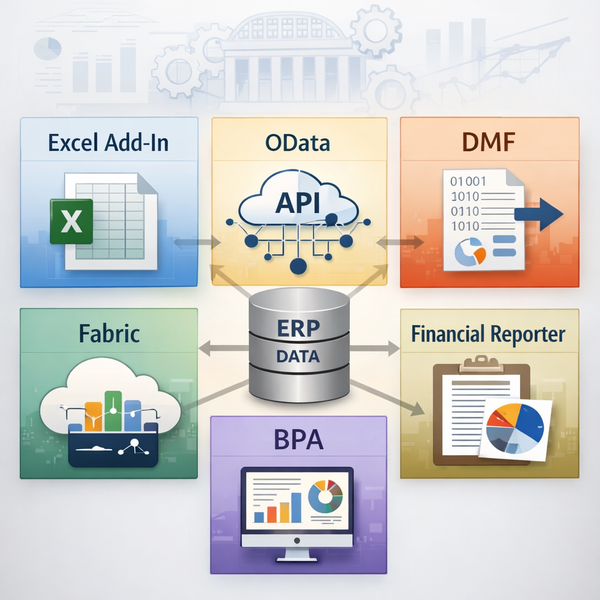
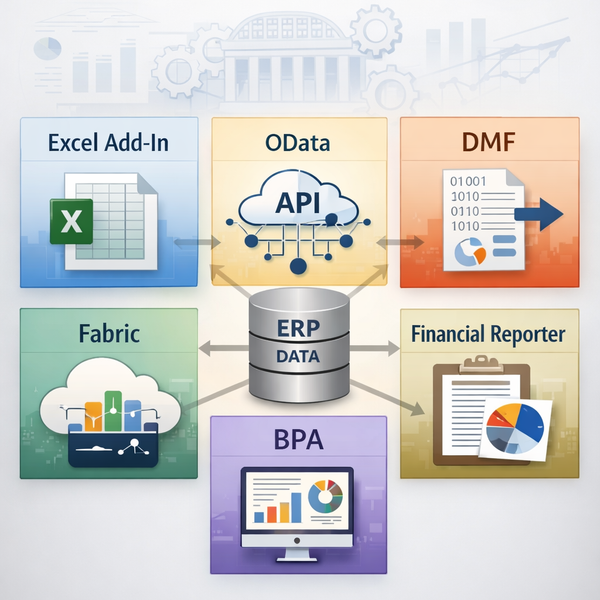
Financial Reporter (or Power BI) should be used to detect:
- subledger–GL mismatches
- missing depreciation
- incomplete integrations
- unexpected dimension combinations
- abnormal P&L or balance sheet fluctuations
This reduces last-minute adjustments and increases accuracy.
Conclusion
Most closing issues are caused by uncontrolled posting activity, unclear sequencing, dependency failures, and late detection of reconciliation gaps.
Dynamics 365 Finance already contains the tools to prevent these problems.
When combined with disciplined processes — workspace governance, controlled posting windows, intercompany coordination, dependency monitoring, and early validation — the month-end close becomes significantly faster and more reliable.
© FitGap Finance — Practical ERP & Finance Insights
FR version: https://www.fitgapfinance.com/cloture-mensuelle-d365-finance
EN version: https://www.fitgapfinance.com/d365-finance-month-end-close-tips/