D365 Finance Reporting Gaps: Why It Still Hurts (and How to Fix It)

Every organization expects reporting in Dynamics 365 Finance to “just work” after go-live.
It doesn’t.
Reporting isn’t a module you turn on — it’s a discipline. And most reporting frustrations trace back to a set of structural challenges that nearly all implementations face.
Below is a realistic, business-first view of why reporting still hurts, and what you can do about it.
1. Cross-Company Reporting Is Still More Difficult Than Expected
One of the biggest shocks for finance teams is how hard it is to extract multi-entity data in a single clean, consolidated export.
The reality:
- It’s often impossible to export transactions across multiple legal entities in one action
- Many data exports hit the Excel limit of ~10,000 rows, especially when selecting many fields
- Finance ends up exporting entity-by-entity and stitching everything in spreadsheets
- Cross-company insights require structure — not hope
The misconception is that D365 should “naturally” support cross-entity visibility because it’s a modern ERP.
But visibility depends almost entirely on design decisions made at the project level.
How to fix it (tool-agnostic):
- Standardize naming conventions, dimensions, and charts of accounts across entities
- Build curated cross-entity reporting structures early
- Define entity groupings that will be used for management reporting
- Treat cross-company reporting as a mini-project, not a last-minute step
For more on implementation design considerations, see:
👉 ERP Environments Required for an Implementation
2. Performance Drops Hard on High-Volume Data
Finance teams quickly run into performance slowdowns when working with large volumes:
- Inquiries timing out
- Subledger or inventory tables taking minutes to load
- Exports failing during peak periods
- Historical data retrieval taking too long
This is not a bug — it’s inherent to how ERP systems handle large transactional datasets.
Finance is used to Excel-style instant responsiveness. Cloud ERPs don’t work that way.
How to fix it:
- Train users to filter properly before querying
- Separate day-to-day operational reporting from historical analytical reporting
- Implement data retention and archiving practices
- Avoid running heavy inquiries during month-end bottlenecks
- Build reporting structures with performance in mind
If you want realism about project expectations, read:
👉 Real-Life ERP Implementation Lessons
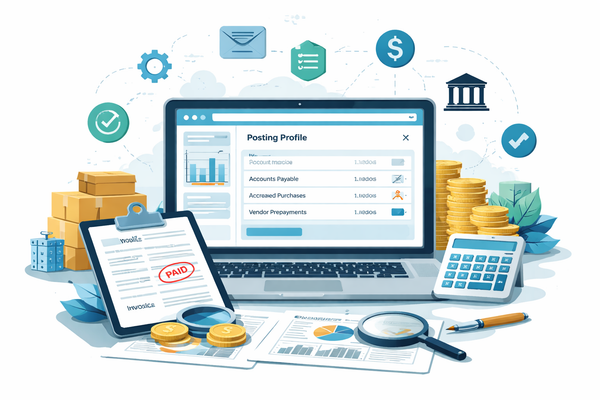
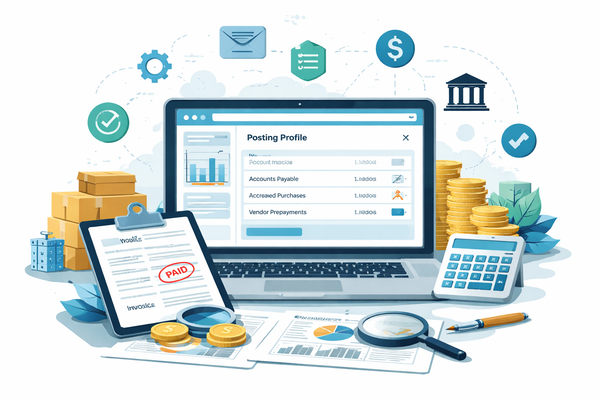
3. Linking Subledger to the General Ledger Isn’t Always Straightforward
On paper, every GL voucher ties neatly back to its subledger source.
In practice:
- Posting logic differs across modules
- Some transactions move through multiple frameworks
- Navigation paths are inconsistent
- Not every transaction maps cleanly to a single source record
- Excel export limits make full audit trails difficult to extract
Finance teams expect one-click traceability. That’s rarely the case.
How to fix it:
- Enforce voucher-level reconciliation as the anchor
- Document how each module posts and train users on it
- Build a “month-end reconciliation kit”
- Teach the Source Document framework and posting layers clearly
- Set realistic expectations: not every link is instantly obvious
For a deeper understanding of how the GL relates to subledgers:
👉 Ledger vs Subledger in D365 Finance
4. Bad Data Quality Destroys Everything
D365 is only as accurate as the data it receives.
Finance teams often face:
- Dimensions used inconsistently
- Users choosing defaults simply “to post”
- Migration data from legacy systems with conflicting structures
- Historical transactions that don’t align with new rules
- Poor training leading to input errors
Bad data compounds over time. Once it’s in, your reporting becomes unreliable.
How to fix it:
- Introduce dimension rules gradually
- Establish recurring data cleansing cycles
- Define clear ownership of data quality
- Train business users on the impact of every field
- Validate data quality as part of every release or iteration
This theme also appears in data migration risks:
👉 ERP Data Migration Traps
5. Row-Level Access and Data Visibility Are Hard to Manage
Reporting isn’t only about calculations — it’s about who sees what.
Challenges include:
- Users needing access to some entities but not others
- Finance requiring transparency while HR/legal need restriction
- Application security not automatically translating into reporting security
- Multiple reporting tools all needing consistent access rules
Poor access governance introduces risks and complexity.
How to fix it:
- Create a “who sees what” data access matrix
- Clearly define who owns changes to reporting security
- Separate sensitive vs. standard financial data
- Review access quarterly and tie it to internal controls
- Accept that access governance is a continuous activity – not a one-time setup
For broader governance context:
👉 D365 Finance Security & Governance Approach
6. Users Don’t Understand How D365 Data Is Structured
This is the silent killer of reporting accuracy.
Most users assume:
- If they see a field in the UI, it must be easily retrievable in reports
- All reports are real-time
- Subledgers behave like simple logs
- The GL contains all details
- Dimensions act like simple tags
- Data behaves like SAP/Oracle/Legacy systems
The truth:
Not everything you see on screen exists as a simple field in the database.
Some values are calculated on the fly, not stored — making them difficult or impossible to extract through standard methods.
This misunderstanding leads to:
- Noise tickets
- False errors
- Misinterpretations
- Endless back-and-forth between IT and finance
- Wrong decisions based on wrong assumptions
How to fix it:
- Create a “D365 Reporting 101” guide
- Train users on Ledger vs. Subledger vs. Source Document tables
- Explain posting layers, dimension behavior, settlement logic
- Explicitly document which fields are stored vs. calculated
- Clarify real-time vs. near-real-time data availability
- Provide visuals showing data flows
When people understand how the system thinks, reporting stabilizes.
7. Reporting Maturity Requires a Roadmap — Not a Tool
Companies often ask, “Which reporting tool should we use?”
That’s the wrong starting point.
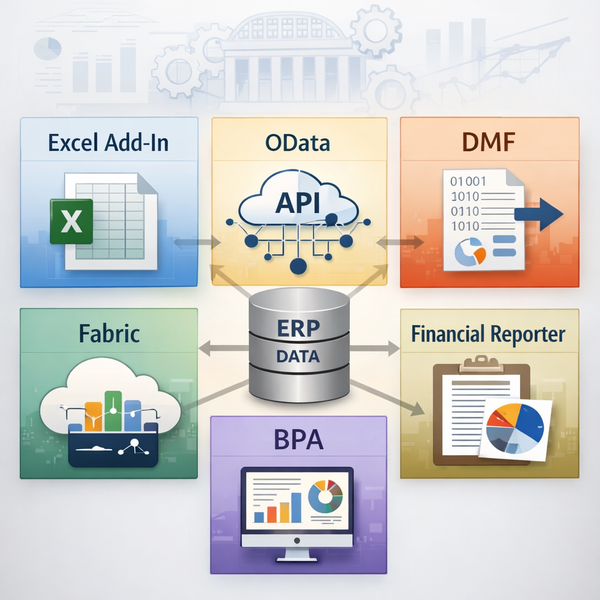
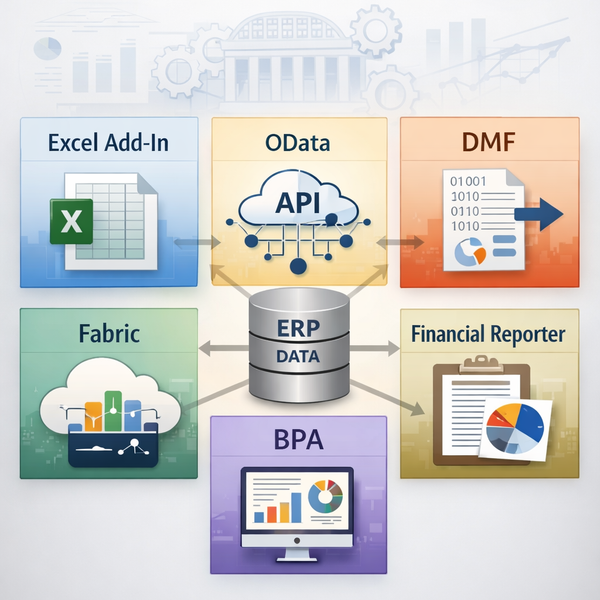
Reporting matures through stages, regardless of tool:
Phase 1 – Basic operational reporting
Inquiries, exports, Excel, FR basics.
Phase 2 – Consistency and definitions
Aligned charts, standardized datasets, data ownership, governance.
Phase 3 – Consolidation and structure
Cross-entity models, access rules, reconciled sources.
Phase 4 – Optimization and automation
Trend analysis, automated reconciliations, exception reporting.
Before selecting tools, you need clarity, accountability, and structure.
Conclusion: Reporting Isn’t Broken — Expectations Are
Most D365 reporting issues come from:
- data structure
- process weaknesses
- inconsistent design
- lack of ownership
- weak governance
- misunderstanding of how the system works
Not from the ERP itself.
When organizations treat reporting as a continuous discipline instead of a last-minute deliverable, D365 Finance becomes a reliable source of truth — instead of a source of frustration.