Best Practices for Production Deployments in D365 Finance Projects
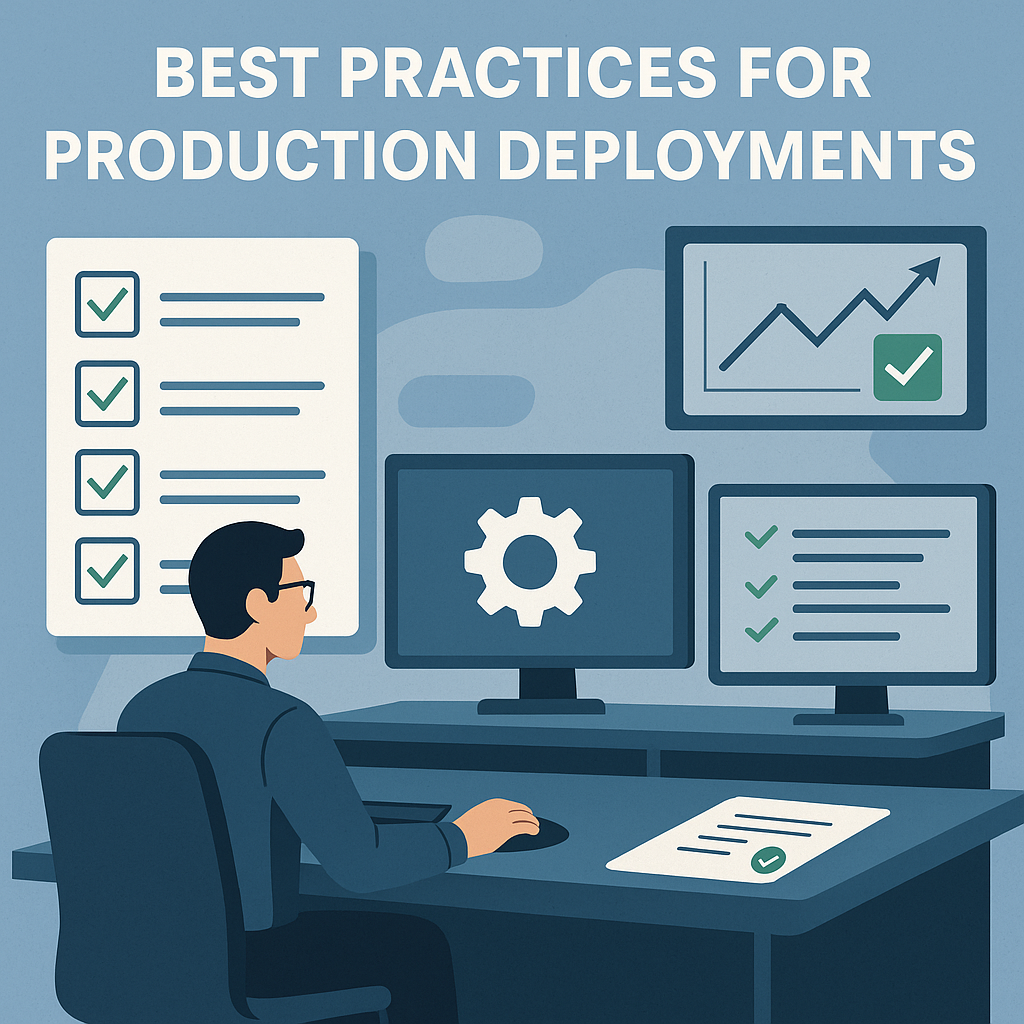
Production deployments are high-stakes moments in any ERP project. A single misstep can lead to downtime, data inconsistencies, or loss of business confidence. The goal isn’t just to move code and configuration into production — it’s to do so smoothly, safely, and with full business alignment.
Below are proven best practices to follow:
1. Treat Production as Sacred
- Restrict access to only key administrators.
- Avoid last-minute changes directly in production.
- Protect it as the single source of truth for financial and operational data.
2. Validate in a “Like-Prod” Environment First
- Always perform testing in a sandbox that mirrors production (data, configuration, integrations).
- Test end-to-end business processes, not just isolated features.
- Pay particular attention to integrations, batch jobs, and security roles.
3. Ensure Business Validation in Production
- Business sign-off is non-negotiable. IT can deploy changes, but only the business can confirm that the system works as expected.
- Prepare validation scripts and assign business owners to confirm key processes post-deployment.
- Document acceptance evidence (screenshots, reports) to avoid disputes later.
4. Align on a Formal Deployment Plan
- Document step-by-step activities, including timing and owners.
- Define clear go/no-go checkpoints with both IT and business.
- Include rollback steps and decision criteria.
5. Communicate Early and Often
- Provide advance notice to end-users about downtime windows and impacts.
- Keep stakeholders updated during cutover via a command center channel.
- Escalation paths should be clear (e.g., who approves rollback if needed).
6. Lock Down Change Requests
- Introduce a code freeze prior to deployment.
- Funnel urgent changes through Change Advisory Board (CAB) review.
- Stabilization reduces last-minute surprises.
7. Post-Deployment Readiness
- Allocate hypercare resources for the days immediately following deployment.
- Provide users with quick guides for common scenarios.
- Track issues daily and ensure fast triage to maintain trust.
8. Always Have a Rollback Strategy
- Plan how you would revert changes if deployment fails (restore backups, re-route integrations).
- Practice rollback during rehearsals — don’t just document it.
9. Continuous Learning
- Run a lessons learned session after each deployment.
- Update the deployment checklist for the next release.
- Over time, this creates a mature and repeatable cutover process.
Rule of Thumb
A production deployment is not just a technical event — it’s a business event. Success comes from three essentials:
- Testing in an environment that truly reflects production,
- Business validation of key processes in production, and
- Clear communication about downtime and impacts.
Looking for more guidance on preparing for go-live? You may also find these articles useful: