The Upgrade Nobody Plans For: What Happens to Your D365 Finance Configuration When Microsoft Updates
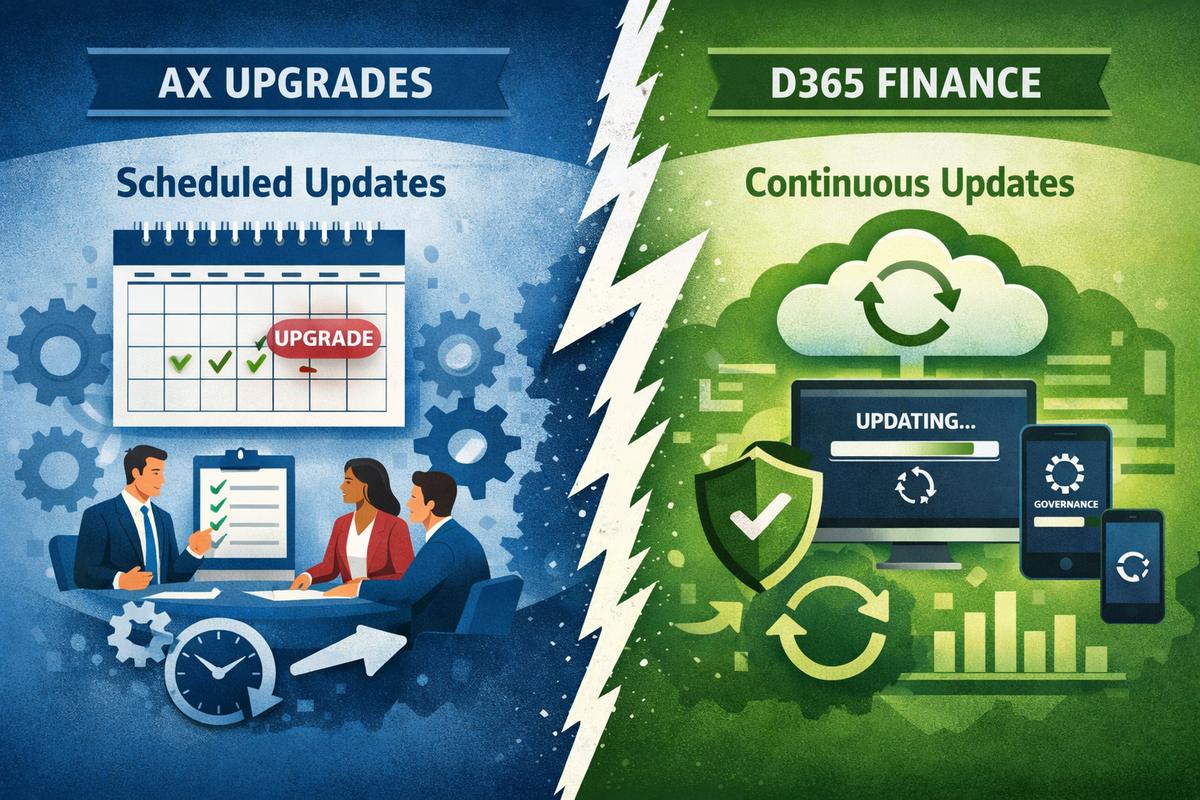
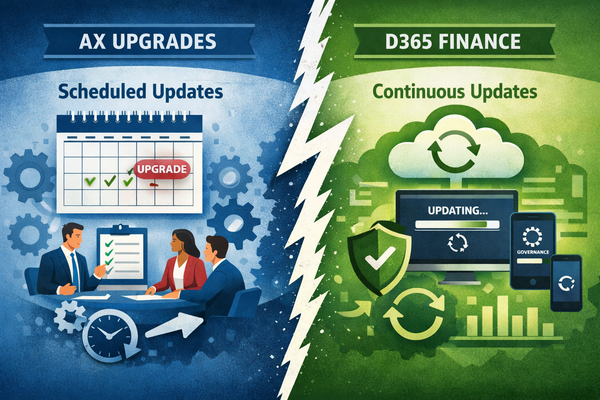
With Dynamics AX, you controlled the upgrade. You scheduled it months in advance. You tested it in a controlled window. You decided when it happened and what it touched. That level of control felt like a given.
Dynamics 365 Finance doesn't work that way.
Microsoft releases updates to D365 Finance continuously — quality updates monthly, feature releases multiple times per year. By default, these updates deploy automatically to your production environment. If you haven't actively taken control of your update schedule, someone else is making decisions about your production system on your behalf.
Most organizations coming from AX understand this intellectually. Very few have built the governance structure, the testing discipline, and the business ownership model that the continuous update model actually requires. The gap between knowing the model has changed and being operationally prepared for it is where the problems live.
This article covers what the continuous update model actually means for a finance function — what breaks, why, and what a realistic update governance framework looks like.
1. The AX Mindset That Doesn't Survive Contact With D365
Organizations that migrated from AX carry a mental model of ERP upgrades that no longer applies. In AX, an upgrade was a project. It had a start date, a scope, a testing phase, and a cutover. It happened once every several years. The business was involved because it had to be — the change was too large to ignore.
In D365 Finance, an update is not a project. It is a recurring operational event that happens whether the business is ready for it or not.
The fundamental shift is this: in AX, you upgraded on your terms. In D365, Microsoft updates on their terms — and your job is to be ready.
This changes the entire governance model. The question is no longer "when do we upgrade?" It is "how do we stay current without disrupting operations?" And it requires a continuous, lightweight process rather than a periodic, heavyweight project.
Organizations that haven't made this mental shift tend to do one of two things. They let updates deploy automatically and discover breakages in production. Or they pause updates indefinitely — which Microsoft allows for a limited window — and accumulate a debt of skipped updates that eventually has to be resolved all at once, at much higher cost and risk.
Neither is a strategy. Both are the absence of one.
→ See also: ERP Implementation Mode vs. Operation Mode: Why the Switch Is Harder Than You Think
2. What the Continuous Update Model Actually Means in Practice
Microsoft's update cadence for D365 Finance has two tracks.
Quality updates are released monthly. They are primarily bug fixes, security patches, and performance improvements. They are mandatory — Microsoft does not allow organizations to skip them indefinitely. By default, they deploy automatically to production unless you configure your update windows.
Feature releases are larger updates released several times per year. They introduce new functionality, change existing behavior, and occasionally deprecate features. These can be paused for a defined period, giving organizations time to test and prepare before deployment.
The default behavior is automatic deployment. If you have not actively configured your update schedule, Microsoft controls when your production system changes.
The practical implication is clear: every organization running D365 Finance needs to own its update schedule explicitly. This means configuring update windows in Lifecycle Services, defining which updates require business validation before deployment, and establishing a cadence that balances staying current with protecting production stability.
This is not an IT decision. The timing of a production update affects finance operations directly — and a finance function that is heading into month-end close, a major reconciliation, or a parallel project deployment is not in a position to absorb unexpected changes to its production system. The business needs a seat at the table when update timing is decided.
→ See also: Best Practices for Production Deployments in D365 Finance
→ See also: ERP Implementation Environment Strategy
3. The Platform-Level Blindside
The update risk that organizations anticipate is D365 Finance itself changing. The update risk that actually catches teams unprepared is often something else entirely.
D365 Finance does not operate in isolation. It is part of a broader Microsoft ecosystem — Microsoft 365, SharePoint, Power Platform, Azure services, and a network of APIs that connect them. A change anywhere in that ecosystem can break a D365 Finance business process, with no warning in the D365 Finance release notes because the change didn't originate there.
The most disruptive updates are often the ones that weren't in the D365 Finance release notes at all.
A change in how SharePoint handles authentication can break a batch job that deposits documents to an internal SharePoint site as part of a finance process — a process that was working perfectly the day before the Microsoft 365 update deployed. A change in API throttling limits can cause integration batch jobs to run significantly slower, extending processing windows that the finance team relies on for daily operations or period close.
Neither of these changes appears in D365 Finance release notes. Neither triggers a regression test in a standard D365 update testing cycle. Both land directly on the finance function as operational problems with no obvious cause and no obvious owner.
This is the hardest category of update risk to defend against, because the perimeter of what needs to be monitored extends well beyond D365 Finance. The practical response is to include cross-platform dependencies in your process documentation — noting which finance processes touch SharePoint, Power Automate flows, external APIs, or other Microsoft services — so that when a platform-level change deploys, the team knows which business processes to validate first.
→ See also: The First 90 Days in Production: What Nobody Tells the Finance Team
4. ISV Solutions, Custom Extensions, and Integrations
If the platform-level blindside is the hardest risk to anticipate, the ISV and customization risk is the most predictable — and still the one that most organizations handle poorly.
Every Independent Software Vendor (ISV) solution installed on your D365 Finance environment needs to be validated against each update before it deploys to production. Every custom extension — modified standard functionality, custom reports, X++ code — needs to be regression tested. Every integration that connects D365 Finance to an external system needs to be verified.
An update that is fully compatible with standard D365 Finance can still break your environment if an ISV solution hasn't been updated to match.
The accountability gap here is specific. The ISV vendor is responsible for maintaining compatibility with Microsoft updates — but they release their compatible versions on their own schedule, which may not align with your update deployment window. An organization that deploys a Microsoft update before its ISV vendor has released a compatible version is deploying into a known incompatibility.
Custom extensions and integrations carry the same risk with a different owner: the development partner or internal IT team that built them. Custom code built against a specific API version or data structure can break silently when that underlying structure changes — producing no error message, just wrong outputs or missing transactions.
The practical requirements for this category are:
- Maintain a complete inventory of all ISV solutions, custom extensions, and integrations with their respective owners and version dependencies
- Confirm ISV compatibility before every update deployment — not after
- Include custom code and integration endpoints in every regression test cycle
- Establish a formal communication process with integration partners so they are notified of upcoming update windows in advance
- Never deploy a production update without confirming that all ISV and custom components have been validated against the new version
💡 FitGap Toolkit: Ownership of ISV validation, custom extension testing, and integration confirmation needs to be explicitly assigned — not assumed. The ERP RACI Matrix + Role Descriptions provides a ready-to-use framework for mapping these responsibilities clearly → https://fitgapfinance.gumroad.com/l/erp_raci_roles_responsabilities
→ See also: ERP Governance Is Non-Negotiable
5. The Governance Gap: Why IT Ownership Without Business Involvement Fails
In most organizations running D365 Finance, the update process is owned by IT. IT monitors the release calendar, configures update windows, deploys to sandbox, runs technical validation, and promotes to production. Finance is notified when an update is coming and asked whether there are any known concerns.
This model fails in a specific and predictable way.
IT does not have the business context to identify which updates affect which finance processes. They can validate that the system starts, that batch jobs run, and that no technical errors appear. They cannot validate that the payroll integration produces a file that the bank will accept, that the period-end accrual logic still produces the right result, or that the workflow that routes vendor invoice approvals still triggers under the correct conditions.
Finance perceives updates as a technical event. IT treats them as a technical event. Nobody reviews the release notes for business process impact.
Microsoft publishes detailed release notes for every update. These notes describe what changed, what was deprecated, and what new behavior to expect. Reading them requires both technical literacy and business process knowledge — the combination that neither IT alone nor Finance alone typically has in a single person.
What this requires is a named business-side update owner. Not a committee — a named individual with the D365 Finance knowledge to read a release note and identify finance process implications, and the organizational standing to delay a deployment if a risk is identified. This person reviews release notes before every update deployment, flags items for business validation, and signs off before production deployment alongside IT.
→ See also: ERP Governance Model: Roles and Decision Rights
→ See also: Key Users: ERP Project Realities
6. The Parallel Project Problem
Organizations running D365 Finance rarely have a stable, static production environment. There is almost always a project running in parallel — a new module being implemented, a new entity being onboarded, an integration being built, a reporting layer being developed.
The parallel project problem is this: a production update changes the environment that the project team is building and testing against.
A project that was tested and validated on version N may behave differently on version N+1. If the production environment moves to N+1 before the project deploys, the project needs to be re-validated against the new version.
This is not a theoretical risk. It is one of the most common sources of unexpected cost and delay in D365 Finance programs — and it is almost never accounted for in project plans, because the project team and the update management team are often operating independently with no formal coordination between them.
The practical requirement is straightforward but rarely implemented: update timing decisions must include a review of active parallel projects. Before any production update is deployed, the question must be asked — is there a project currently in testing or approaching deployment that needs to be validated against this version before it goes to production? If yes, the sequencing of the update and the project deployment needs to be coordinated explicitly.
This is a governance decision, not a technical one. It requires a forum where update timing and project status are reviewed together — and a decision-maker with the authority to sequence them correctly.
→ See also: Hybrid ERP Projects Governance
7. What Good Update Governance Looks Like
A functional update governance framework for D365 Finance has six components. None of them are technically complex. All of them require organizational commitment to sustain.
Own your update schedule. Cancel automatic production deployments and configure explicit update windows in Lifecycle Services. Choose windows that avoid month-end close, major reconciliation periods, and parallel project deployments. This is the foundational decision — everything else depends on it.
Assign a business-side update owner. A named individual — not a team, not a committee — who reviews Microsoft release notes before each update deployment, identifies items with finance process implications, and provides business sign-off alongside IT before production deployment.
Build a lean regression test pack for key processes. Not an exhaustive test of everything — a targeted set of test cases covering your highest-risk, highest-frequency finance processes. Payroll integration. Bank payment files. Period-end posting. Subledger reconciliation. Workflow routing. These are the processes that need to be validated after every update, every time.
Validate ISV and custom components before every deployment. Confirm ISV compatibility with the incoming version. Run custom extension validation. Test integration endpoints. Do this in sandbox before production — not after.
Coordinate update timing with parallel projects. Before every production update, review active project status and confirm that the update sequencing doesn't create a version mismatch that forces project re-validation.
Include cross-platform dependencies in process documentation. For every key finance process, document which external systems, SharePoint sites, Power Automate flows, or APIs it depends on. This makes platform-level change impact assessment possible rather than reactive.
→ See also: ERP Warning Signs
8. The Post-Update Vigie
The final component of update governance is the one most organizations skip entirely: a structured observation period after every production deployment.
An update deploys to production on a Friday evening. By Monday morning, the finance team is running normal operations on a system that changed over the weekend. If something is different — a batch job that ran slower, a report that formats differently, an integration that produced an unexpected output — the team may not notice immediately. Silent failures are common. A process that appears to be working may be producing subtly wrong results that only surface at period end.
Every production update should be followed by a defined vigie — a structured watch period during which key finance processes are monitored more closely than usual.
The vigie is not a formal testing phase. It is a lightweight operational check: confirm that scheduled batch jobs ran and completed within expected windows, that integration files transmitted correctly and were acknowledged by the receiving system, that key reports produce outputs consistent with expectations, and that no error alerts appeared in monitoring logs that would not normally be there.
The duration depends on the scope of the update. A monthly quality update may require a two to three day vigie covering the first business cycle after deployment. A major feature release may require a full week, spanning at least one end-of-day processing cycle and one weekly reporting cycle.
The vigie has a named owner — the same business-side update owner who reviewed the release notes. They are responsible for confirming that the post-update observation period completed without incident, and for raising any anomalies immediately rather than waiting for them to surface at period end.
This discipline mirrors the hypercare period after go-live. The logic is identical: a controlled change was made to a production system, and the team needs to actively confirm that operations remain stable before returning to normal monitoring levels.
→ See also: The First 90 Days in Production: What Nobody Tells the Finance Team
→ See also: What It Really Costs to Operate an ERP After Go-Live
Final Thought
The continuous update model is not a problem Microsoft created for finance teams. It is the operational reality of a cloud-based ERP — and it comes with genuine benefits: faster access to new functionality, continuous security improvements, and no accumulation of the multi-year upgrade debt that made AX programs so expensive to maintain.
But it requires a governance discipline that is genuinely different from the AX model. Not more complex — different. The discipline is lighter per update and more continuous overall. It requires a named business owner, a lean test pack, an owned schedule, and a structured post-deployment observation period. These are not large investments. They are the permanent operational overhead of running a cloud ERP responsibly.
The organizations that struggle with D365 Finance updates are almost always the ones that inherited the AX mindset — treating updates as IT events that occasionally surface as business problems, rather than business events that require permanent operational ownership.
The question to ask your organization today: who owns the next update?
Continue Exploring
- ERP Implementation Mode vs. Operation Mode: Why the Switch Is Harder Than You Think
- The First 90 Days in Production: What Nobody Tells the Finance Team
- What It Really Costs to Operate an ERP After Go-Live
- Best Practices for Production Deployments in D365 Finance
- ERP Governance Is Non-Negotiable
- ERP Warning Signs
Cet article est aussi disponible en français : Les mises à jour D365 Finance : ce que personne ne planifie vraiment